WooCommerce Categories
Introduce product categories with image-led navigation.
View a live demoURARTU / EXPLORE THE THEME
Explore complete websites, discover custom Elementor elements and see how a shared design system makes each demo its own.
COMPLETE WEBSITES
Explore the actual demo before choosing a direction. Commerce, portfolio and service layouts share the same theme and companion plugin.

Architectural furniture on warm ivory: editorial product cards, tactile materials, a room-led lookbook and a configurable lounge collection.

A bright electronics market: violet, pastel category tiles, sale badges and a flash-deal clock, with the front page built to…

A dark tech store: graphite and neon, one flagship lit from within, and a desk setup you can shop point…
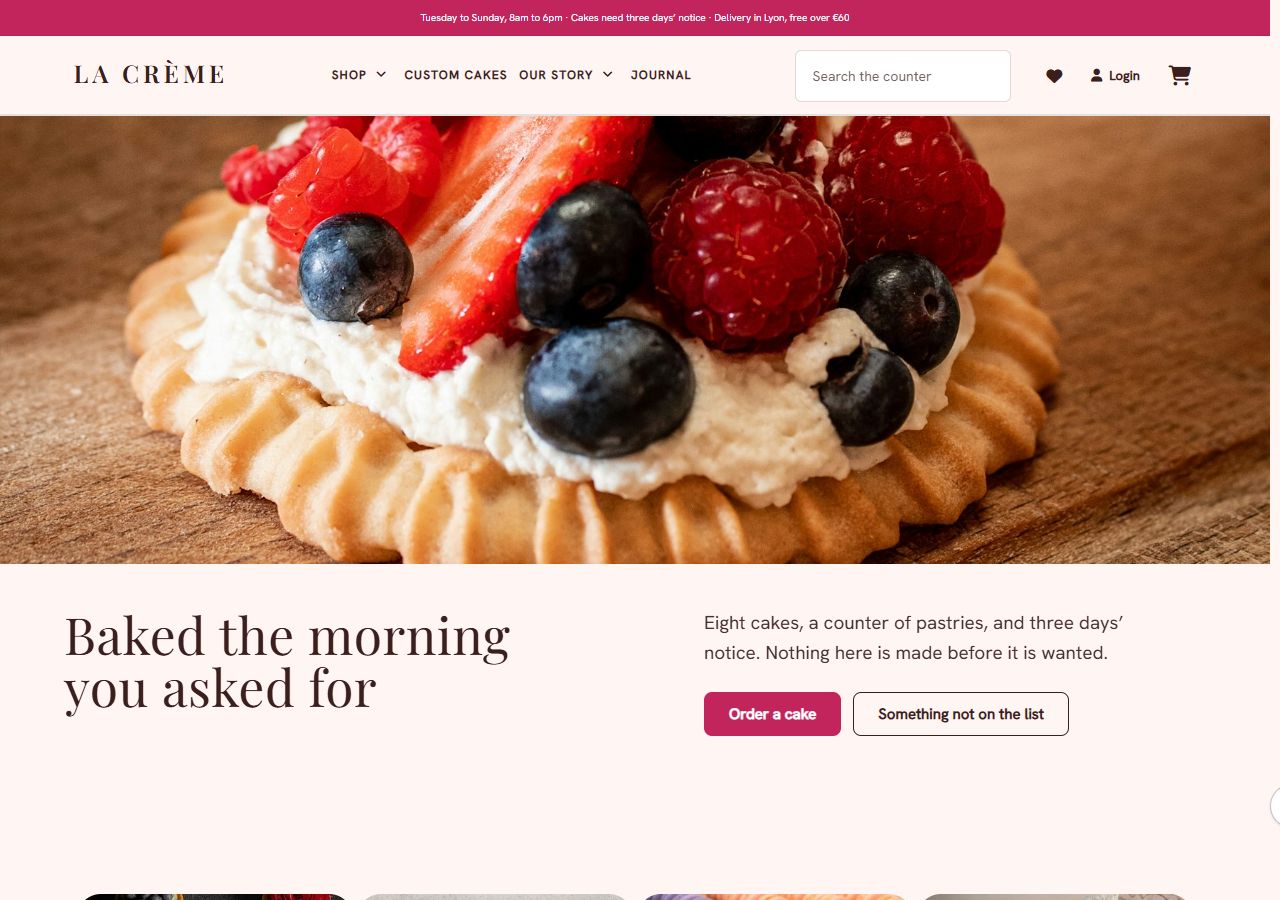
A patisserie on warm cream: Playfair Display over Hanken Grotesk, soft corners throughout, and cards that are lifted by light…

A jeweller's house in a vitrine: a cool lilac-grey ground with white cases on it, gold kept for the button…
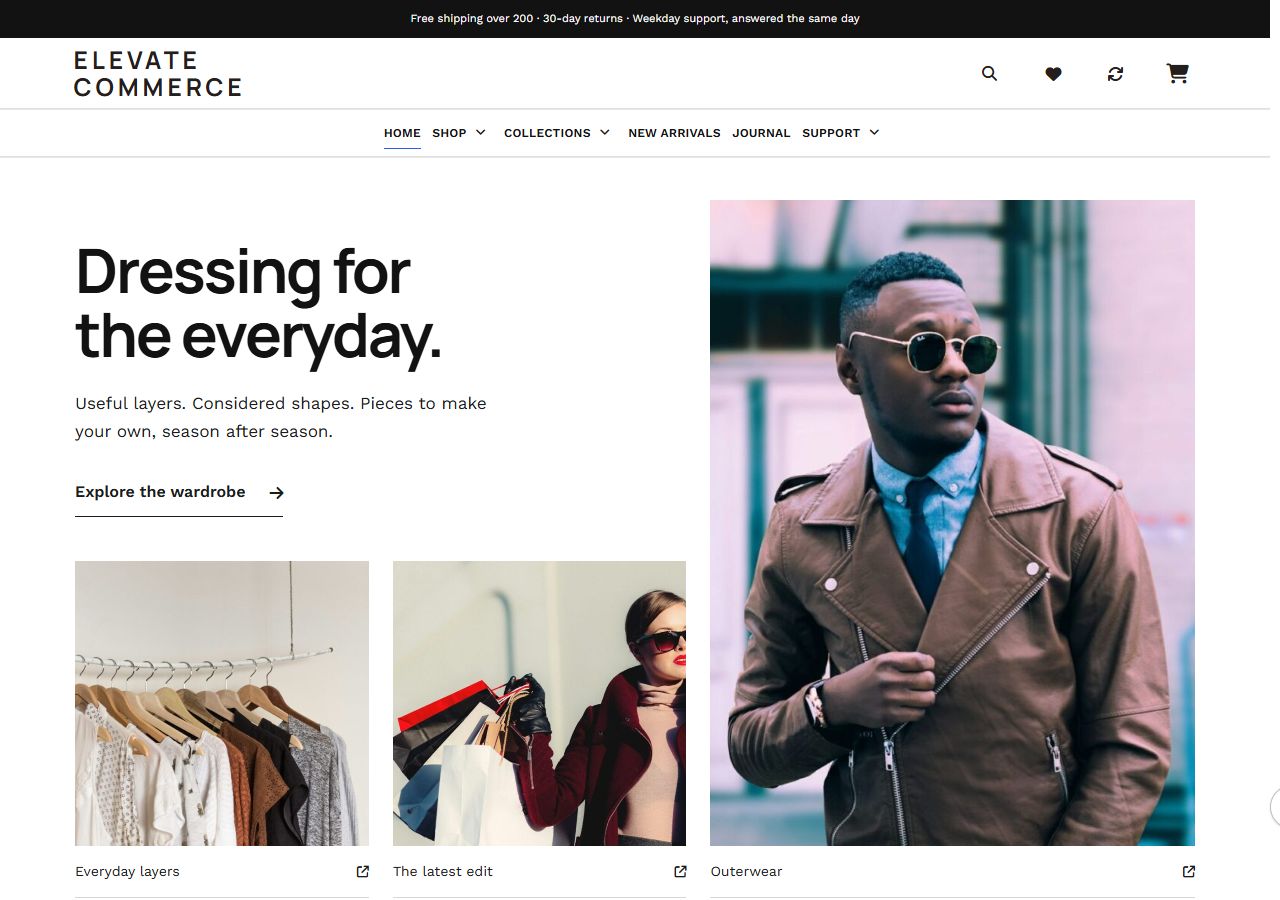
A clothing shop built on restraint: true white, charcoal type in Manrope, one blue reserved for buying, and a front…
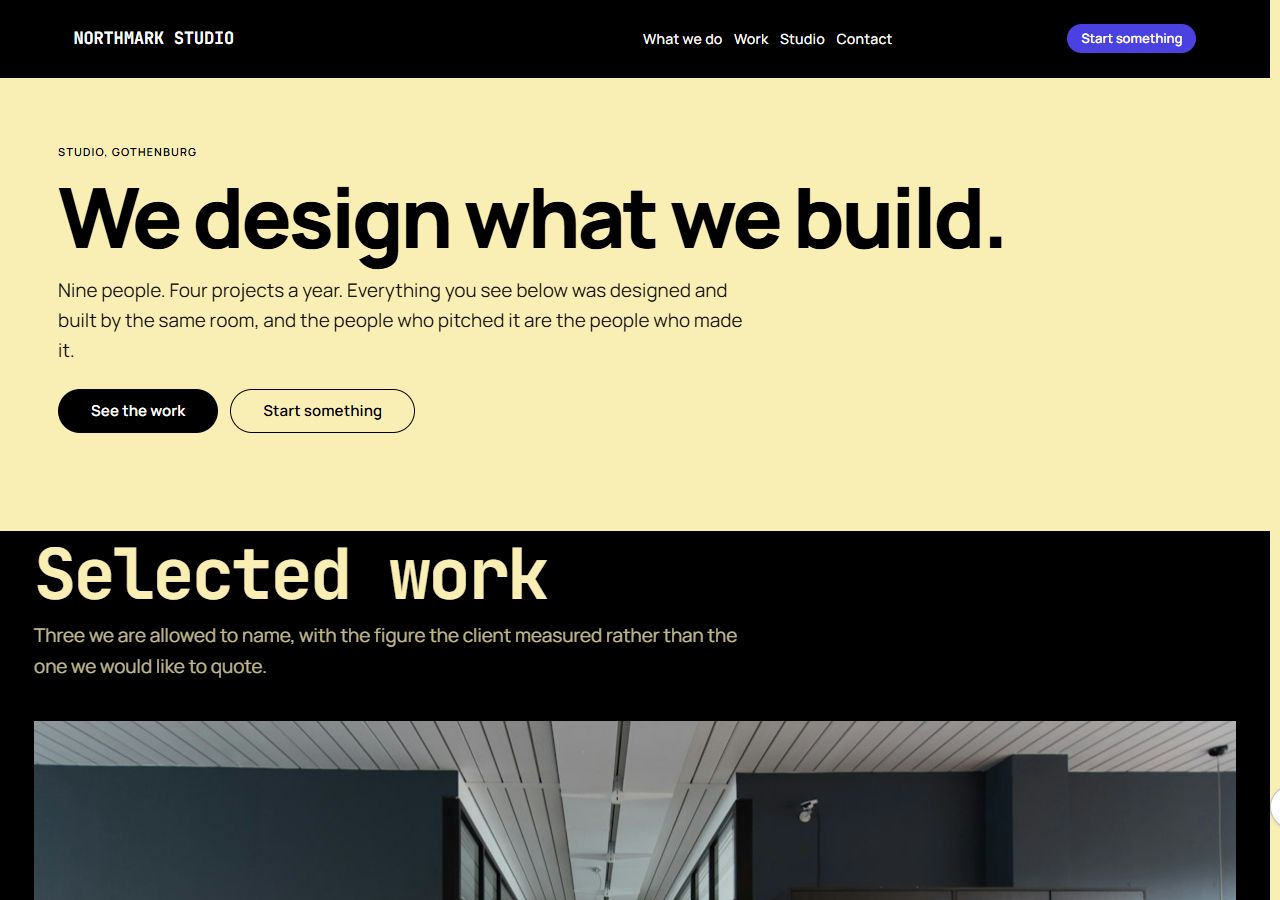
An agency landing page as a poster: a whole page in butter yellow, black type set in JetBrains Mono at…

A landing page for enterprise software: one argument from the top of the page to the bottom, set entirely in…

A conference landing page as a poster: apricot stock, Work Sans at its heaviest with the date as the headline,…

A product launch page in tiles: white bento tiles of different sizes on a soft grey ground, each carrying one…
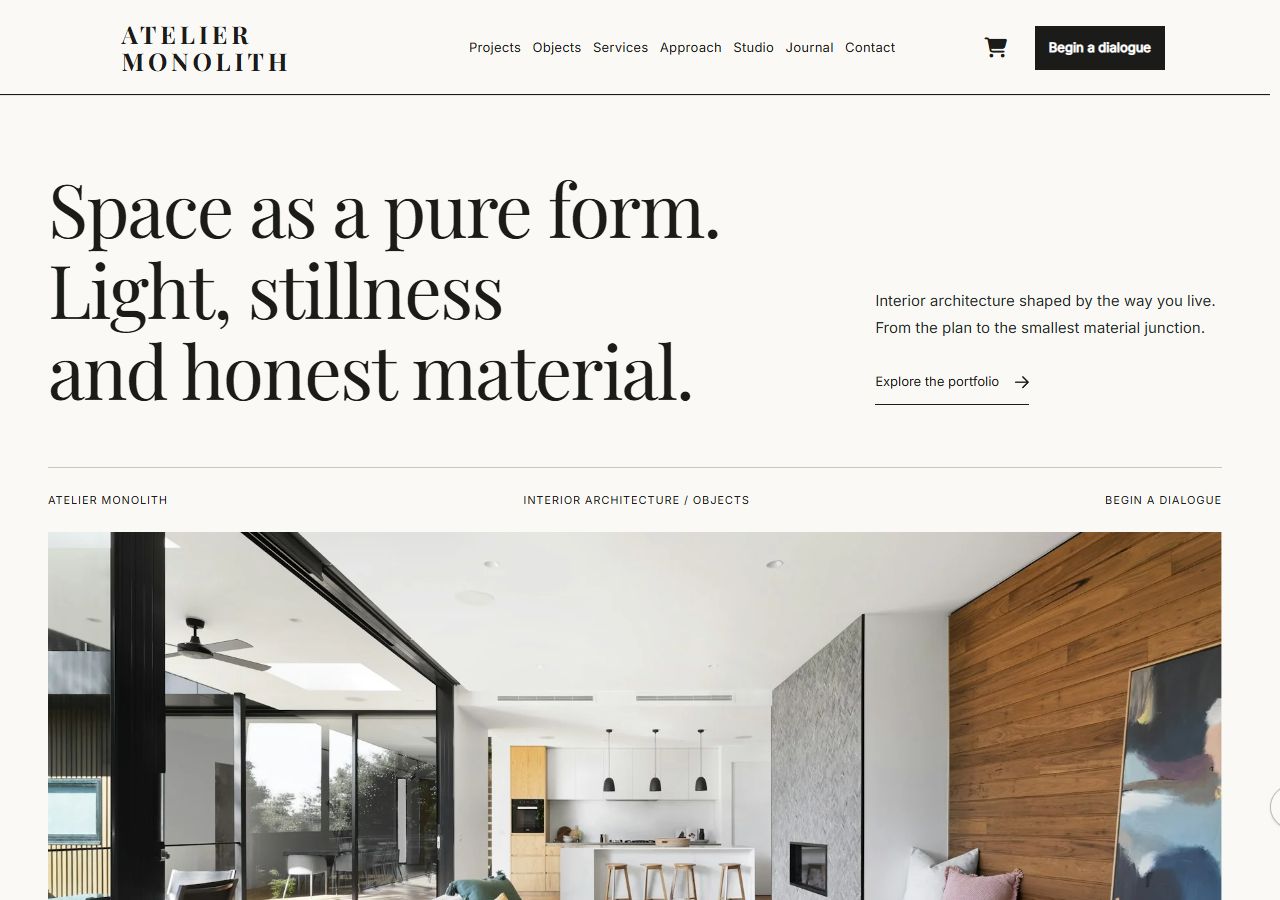
A mineral-paper architecture studio: editorial portfolio, four detailed project studies, material library, six object compositions and a complete architectural brief.
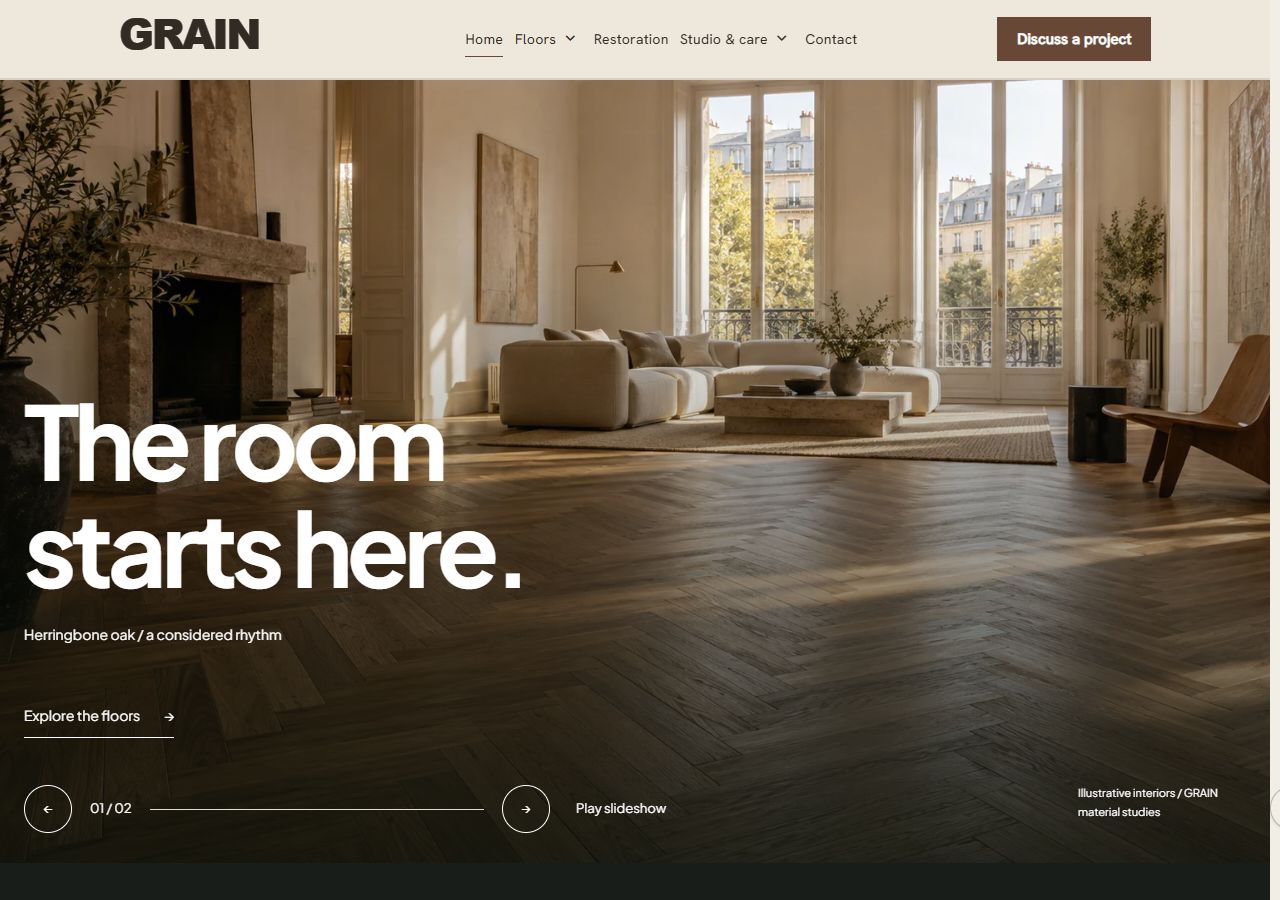
Parquet installation and restoration with an emphasis on timber, laying patterns, substrate preparation and long-term care.

A consultancy landing page in the quiet register: Montserrat over Hanken Grotesk on the parchment of a bound report, an…

Residential renovation and finishing: scope of work, an open project ledger, work stages and a clear route to a site…
CUSTOM ELEMENTOR ELEMENTS
These elements are supplied by Urartu Core. Edit their content in Elementor and coordinate their appearance through the theme.
Introduce product categories with image-led navigation.
View a live demoPresent selected projects with imagery and links to detailed case studies.
View a live demoCurate product collections and let visitors switch between selected groups.
View a live demoConnect shoppable points on a photograph to the relevant products.
View a live demoBring customer quotes and ratings into a dedicated carousel.
View a live demoPlace an existing Contact Form 7 form inside an Elementor composition.
View a live demoOffer compact sharing links beside an article or product story.
View a live demoCreate a compact category list for a focused catalogue entry point.
View a live demoBrowse product categories in a horizontal carousel.
View a live demoDisplay supplier or brand marks in a horizontal sequence.
View a live demoLead with a considered image, headline and action, with optional extra slides.
View a live demoExplain service benefits with a short icon-led row.
View a live demoBring editorial stories into the page with their titles and featured images.
View a live demoCompare packages with features, pricing and a distinct next step.
View a live demoLay out the differences between options in a structured comparison.
View a live demoExplain a process as an ordered set of approachable steps.
View a live demoKeep useful answers close at hand in a keyboard-operable accordion.
View a live demoPresent a quiet row of customer or partner names and approved marks.
View a live demoIntroduce the people behind the work with roles and short profiles.
View a live demoMake a programme easier to scan by organising sessions and times.
View a live demoShow project context and outcomes in a set of focused case-study cards.
View a live demoCreate a category composition with deliberately varied tile sizes.
View a live demoSet an image and a focused piece of copy alongside each other.
View a live demoTell a visual story with an ordered sequence of images.
View a live demoAdd a signup area with clear copy and a concise email field.
View a live demoGive a selected offer its own product feature and optional countdown.
View a live demoGuide shoppers through curated setups with grouped product suggestions.
View a live demoTHEME OPTIONS
Choose a visual direction, then adjust individual controls. Changes to colour, type and shape do not require another content import.
Browse the settings reference ↗Set the page, surface, text and action colours.
Choose the type pairing and adjust hierarchy.
Give cards, labels and sections a shared rhythm.
Coordinate buttons, fields and media frames.
SEE THE DIFFERENCE
THE NEXT STEP
Installation, demo workflows, header layouts and store components, with illustrations and a searchable settings reference.
Open documentation ↗